

Introduction
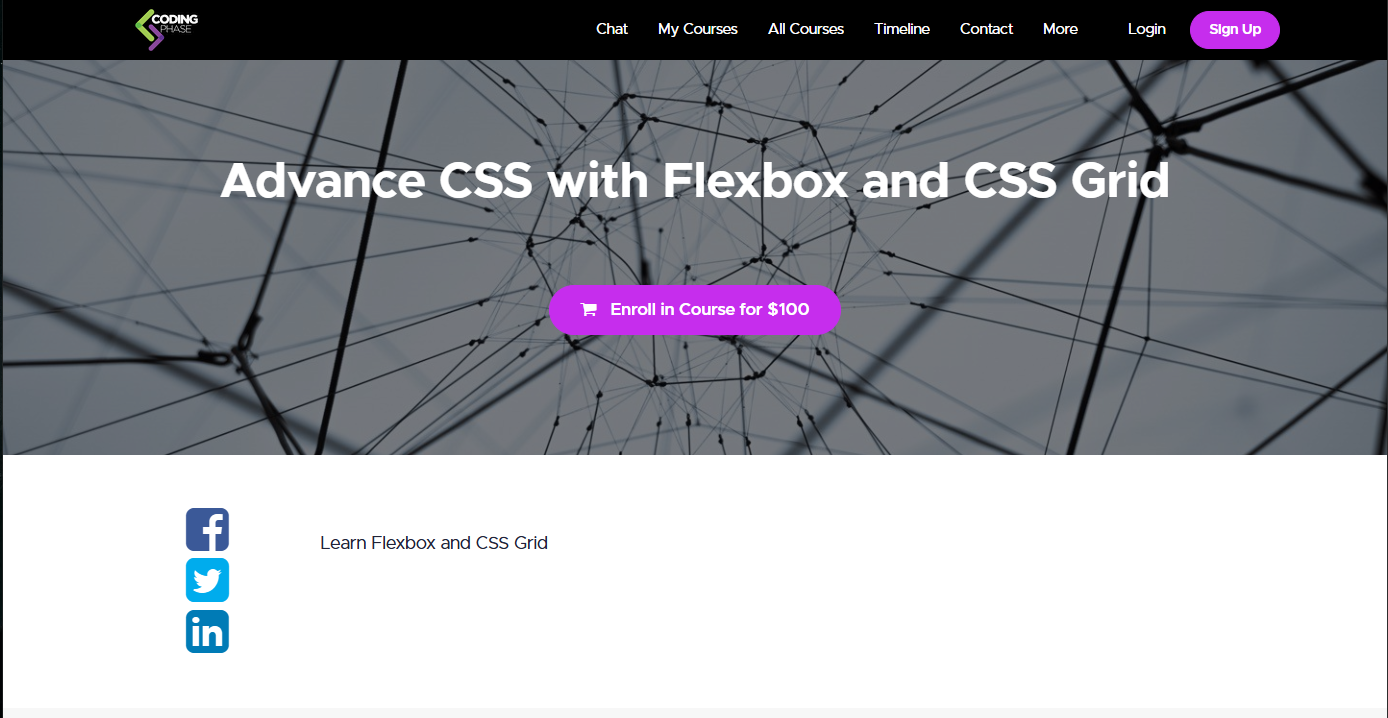
In today’s fast-paced digital world, creating responsive and visually appealing websites is no longer optional—it’s essential. Developers and designers are constantly looking for efficient ways to build layouts that adapt seamlessly across devices. That’s where Joe Santos Garcia – Advance CSS with Flexbox and CSS Grid stands out as a powerful learning resource.
This course is designed for those who already understand the basics of CSS and want to level up their skills by mastering modern layout systems. Instead of relying on outdated techniques like floats or positioning hacks, this training focuses on Flexbox and CSS Grid—the two most important tools in modern front-end development.
Why Modern CSS Layouts Matter
Before Flexbox and Grid, building layouts was complicated and time-consuming. Developers had to use workarounds that were difficult to maintain and often broke on different screen sizes.
Modern CSS solves these problems by providing:
- Clean and structured layout systems
- Better responsiveness across devices
- Faster development workflow
- Easier alignment and spacing control
- Reduced dependency on external frameworks
With the knowledge from this course, you can build layouts that are both scalable and future-proof.
What You Will Learn in This Course
The course dives deep into practical and real-world applications of Flexbox and Grid. It is not just theory—it’s hands-on learning that helps you actually build professional designs.
1. Mastering Flexbox
Flexbox is a one-dimensional layout system that allows you to align and distribute space within a container efficiently.
You’ll learn:
- How Flexbox works internally
- Axis (main axis & cross axis) concepts
- Alignment and justification techniques
- Creating flexible navigation bars
- Building responsive components
- Handling spacing without hacks
By the end, you’ll be able to create dynamic layouts with minimal code.
2. Deep Dive into CSS Grid
CSS Grid is a two-dimensional layout system, making it perfect for complex page structures.
In this section, you’ll understand:
- Grid containers and grid items
- Rows, columns, and grid lines
- Grid template areas
- Auto-placement and spanning
- Building complete website layouts
- Creating magazine-style designs
Grid allows you to think visually and structure your layout like a blueprint.
3. Combining Flexbox and Grid
One of the most powerful aspects of modern CSS is using both systems together.
This course teaches you:
- When to use Flexbox vs Grid
- Combining both for optimal performance
- Structuring entire pages efficiently
- Creating reusable layout systems
Instead of choosing one, you’ll learn how to use both strategically.
4. Responsive Design Techniques
Responsiveness is a must in modern web development. This course ensures your layouts work perfectly on all devices.
Topics include:
- Media queries
- Fluid layouts
- Mobile-first design approach
- Flexible units (%, rem, fr)
- Adaptive design patterns
You’ll be able to design websites that look great on mobile, tablet, and desktop.
5. Real-World Projects
Learning theory is not enough—you need practice. This course includes real-world projects such as:
- Landing pages
- Portfolio layouts
- Dashboard UI
- Blog designs
- E-commerce layouts
These projects help you apply concepts in practical scenarios.
Who Should Take This Course?
This course is ideal for:
- Beginner developers who know basic CSS
- Front-end developers wanting to upgrade skills
- UI/UX designers transitioning to development
- Freelancers building websites for clients
- Students preparing for web development careers
If you want to stand out in the web development field, mastering these layout systems is essential.
Key Benefits of Learning Flexbox and Grid
Faster Development
You can create complex layouts in minutes instead of hours.
Clean Code
No need for messy hacks—your code becomes readable and maintainable.
Better Design Control
You get precise control over alignment, spacing, and structure.
Improved Performance
Modern CSS reduces dependency on heavy frameworks.
High Demand Skill
Companies are actively looking for developers skilled in modern CSS.
Practical Applications
The knowledge from Joe Santos Garcia – Advance CSS with Flexbox and CSS Grid can be applied in multiple real-world scenarios:
- Building professional websites
- Creating responsive dashboards
- Designing mobile-first applications
- Developing UI components
- Working on freelance projects
- Improving existing website layouts
Flexbox vs Grid – Understanding the Difference
One common confusion among developers is choosing between Flexbox and Grid.
Flexbox
- One-dimensional (row or column)
- Best for small components
- Ideal for alignment and spacing
Grid
- Two-dimensional (rows and columns)
- Best for full page layouts
- More powerful for complex designs
This course clearly explains when and how to use each.
Why This Course Stands Out
There are many CSS courses online, but this one stands out because:
- It focuses on practical learning
- Covers both Flexbox and Grid in depth
- Includes real-world projects
- Easy-to-understand explanations
- Suitable for all skill levels
Instead of overwhelming you with theory, it focuses on building real skills.
Career Opportunities After Learning
Once you master these skills, you can explore multiple career paths:
- Front-End Developer
- Web Designer
- UI Developer
- Freelance Web Developer
- WordPress Developer
- Product Designer
These skills are highly valuable in today’s job market.
Tips to Get the Most Out of This Course
To maximize your learning:
- Practice every concept immediately
- Build small projects regularly
- Experiment with layouts
- Avoid copying—try building from scratch
- Review your code for improvements
Consistency is the key to mastering CSS.
Final Thoughts
Modern web design requires efficiency, flexibility, and responsiveness. Learning outdated techniques is no longer enough. With Joe Santos Garcia – Advance CSS with Flexbox and CSS Grid, you gain the skills needed to build professional, high-quality layouts.
This course bridges the gap between basic CSS knowledge and advanced layout mastery. Whether you are a beginner or an experienced developer, it provides valuable insights that can transform your workflow.
If your goal is to create stunning, responsive websites with clean code, this course is a must-learn resource.